Live beta
Tally Toolkits
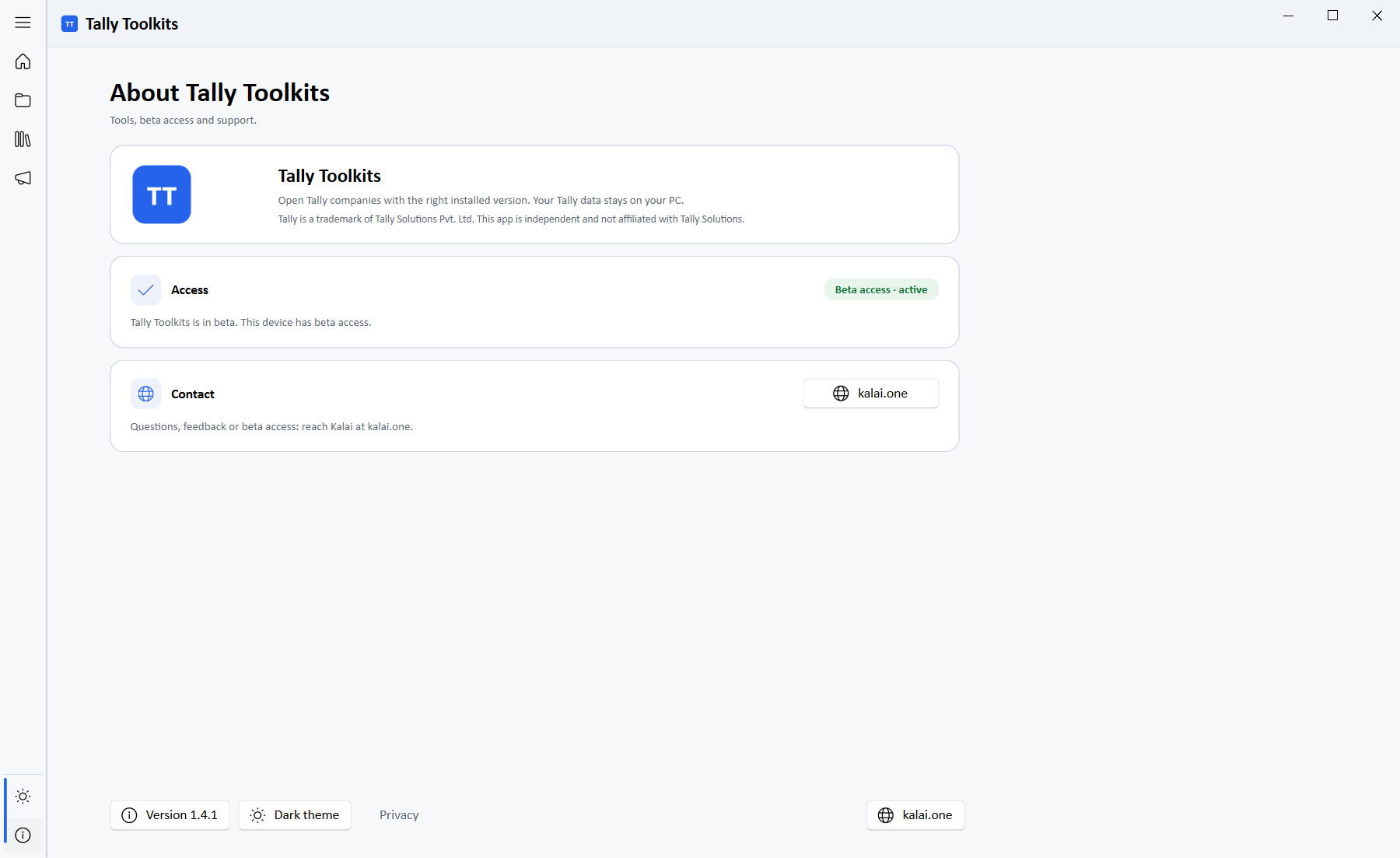
A Windows launcher for TallyPrime, TallyPrime Edit Log and Tally.ERP 9. It finds every install, opens each company with the right version, and keeps the books on your PC.
Windows 10/11 Local-first Edit Log 7.2
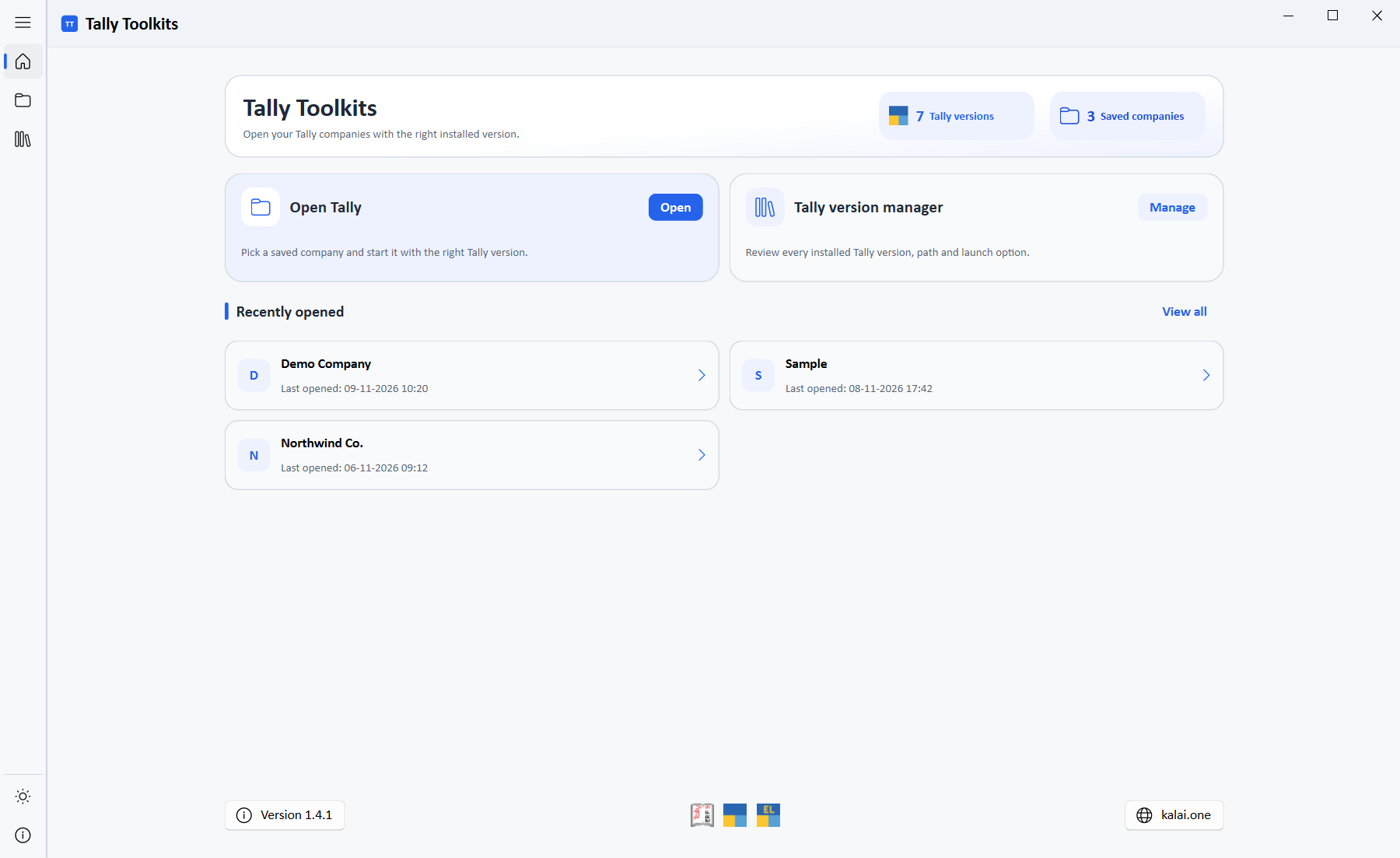
A Windows launcher for TallyPrime, TallyPrime Edit Log and Tally.ERP 9. It finds every install, opens each company with the right version, and keeps the books on your PC.
Windows 10/11 Local-first Edit Log 7.2
Built for the part before Tally opens: finding the right install and the right company.
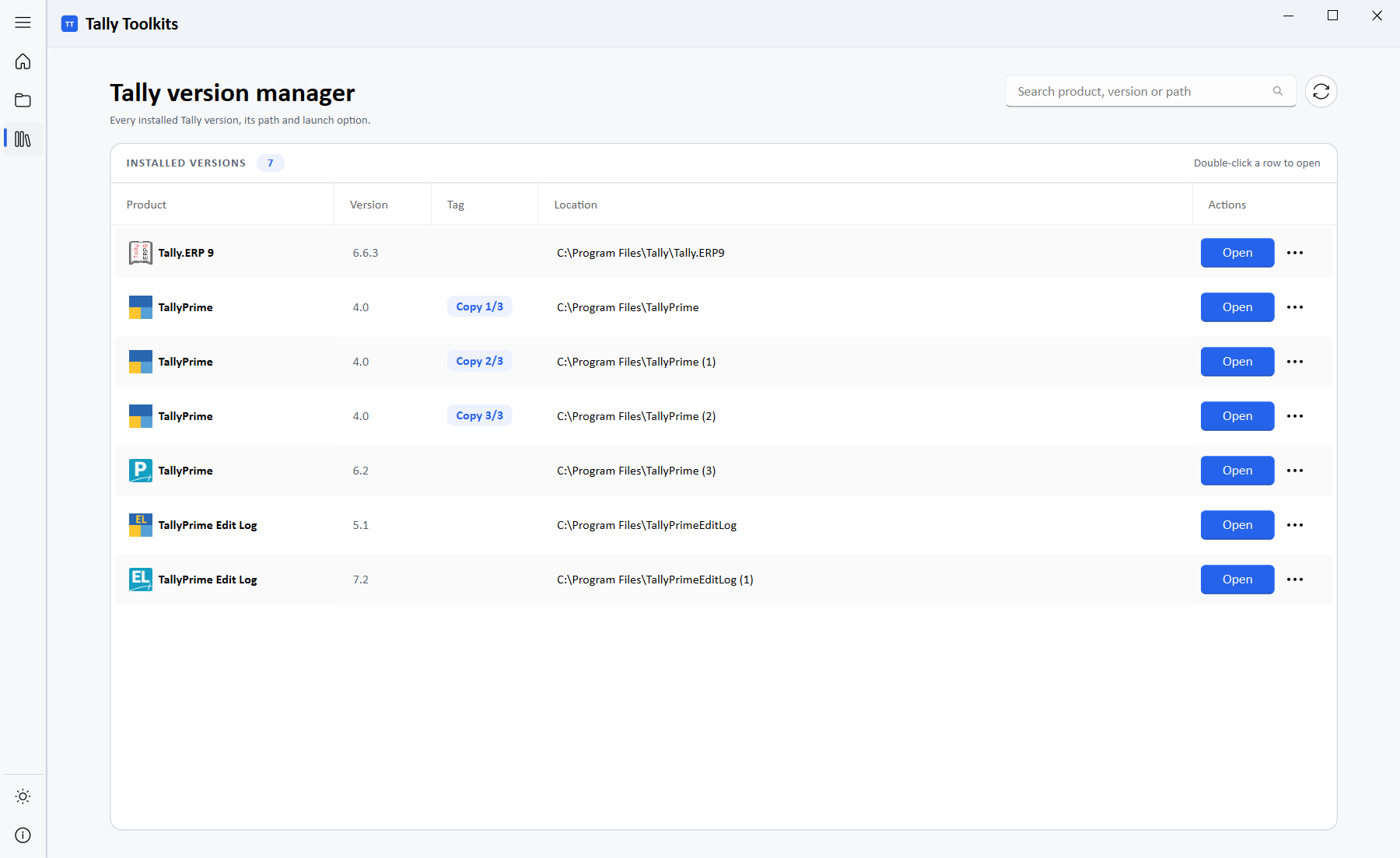
Scans Program Files, folders and the registry, then shows each Tally version, path and launch option in one place.
Remembers which Tally version opens each company, so a saved company can start directly instead of being selected again.
When the same Tally version is installed more than once, the version manager labels the copies Copy 1/3, Copy 2/3 and so on.
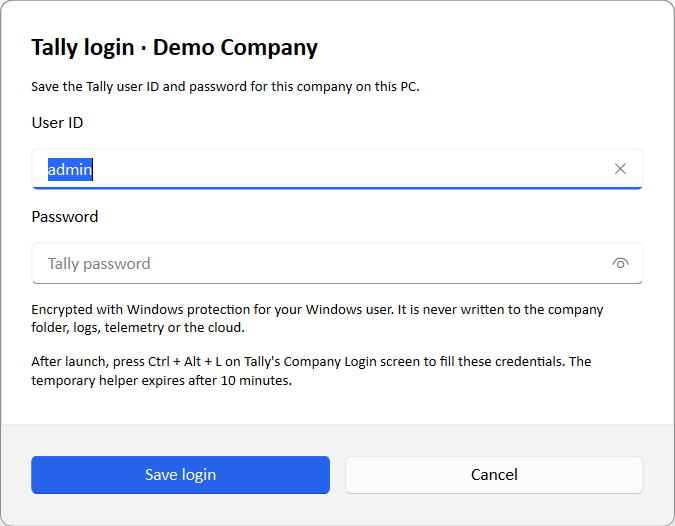
Keep a Tally user ID and password for a company, protected by Windows, and fill the Company Login screen with a hotkey.
Company data is not read or uploaded. Tally Toolkits starts the Tally you already use and stays out of your books.
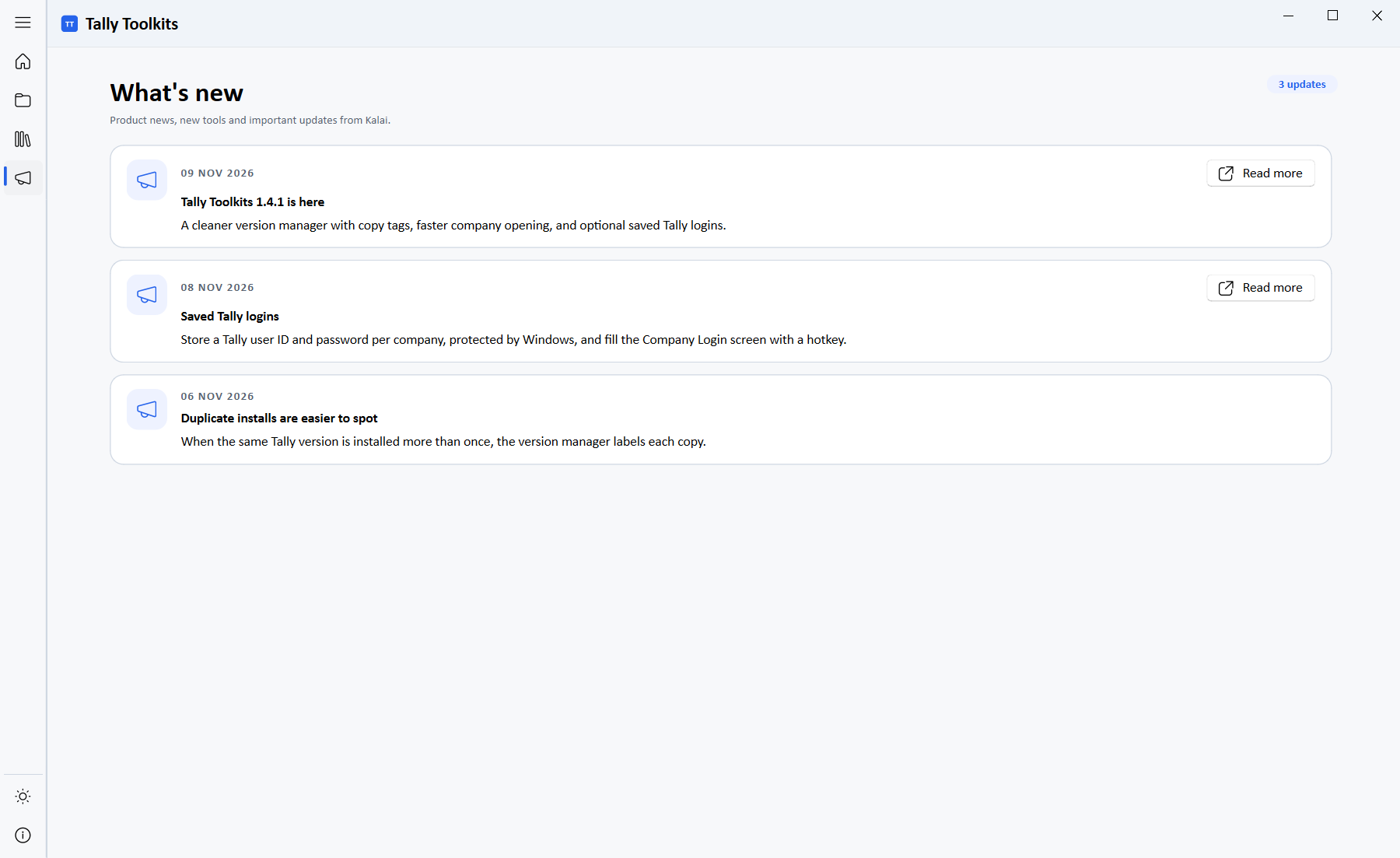
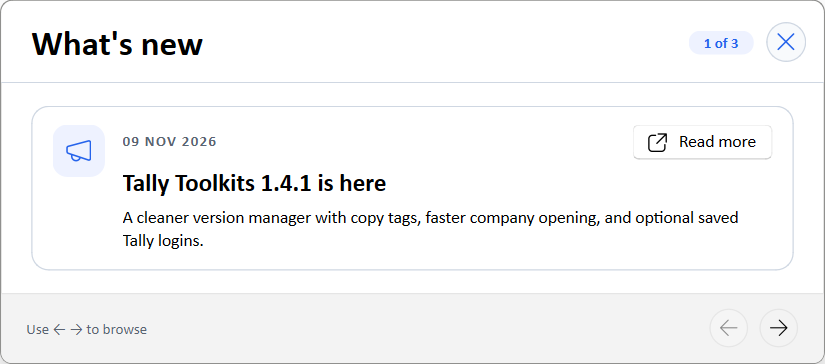
Product notices arrive inside What's New, with a clean date and a link when there is more to read.
Click any screenshot to view it larger.
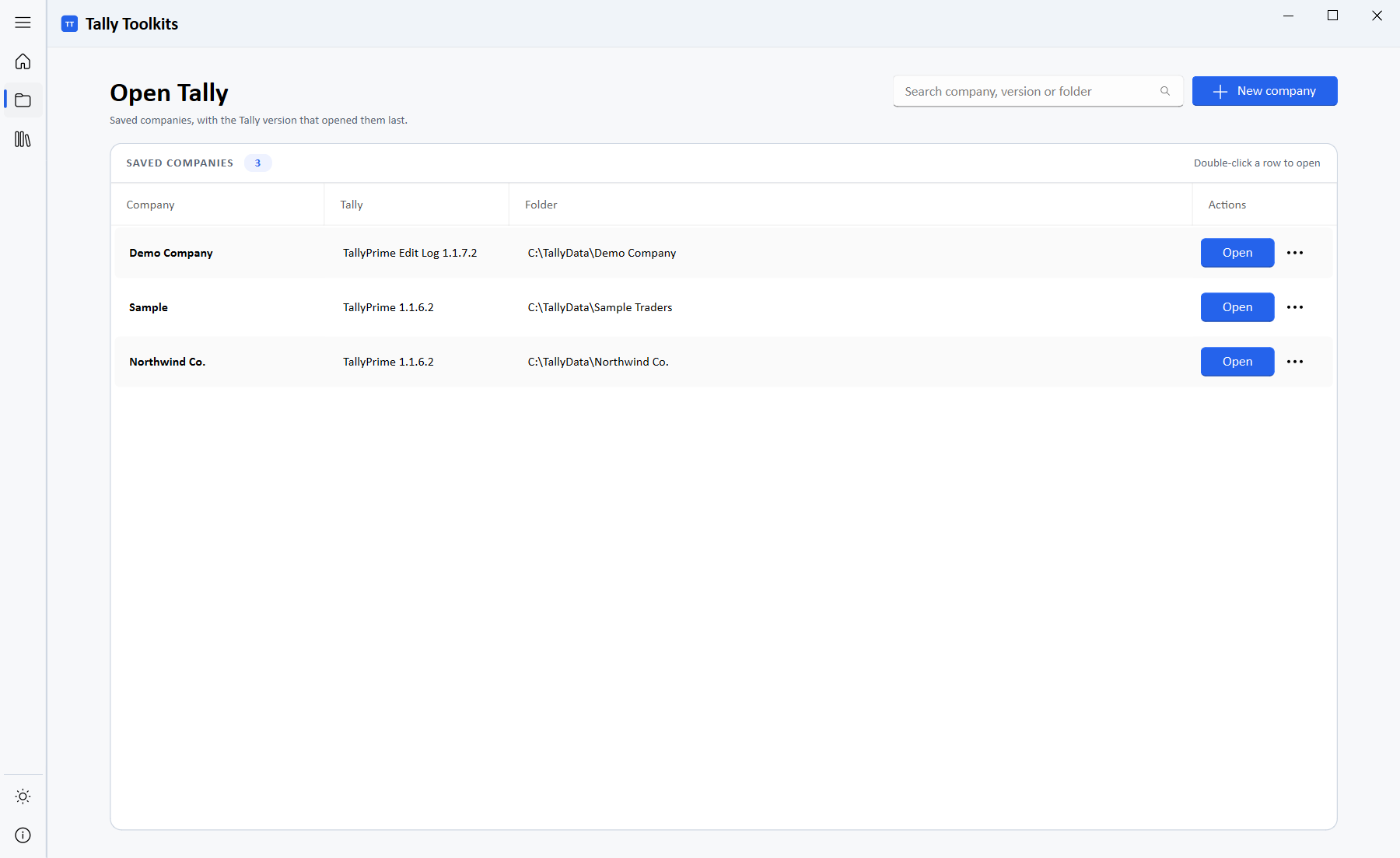
Tally Toolkits is a launcher, not a cloud accounting tool.
The launcher starts the Tally you already have. It does not read or upload company data, reports or ledgers.
Only device and access metadata goes online: the beta check and product notices.
Tally Toolkits is free while in beta. Download the installer, then launch it once to activate this PC.
Validated on TallyPrime Edit Log 7.2, with Tally installed locally. The saved-login helper depends on Tally's Company Login screen and is intended to be used only there.
The current build is unsigned, so Windows SmartScreen may ask you to confirm. Choose More info → Run anyway.
Tally is a trademark of Tally Solutions Pvt. Ltd. Tally Toolkits is an independent utility and is not affiliated with Tally Solutions.